01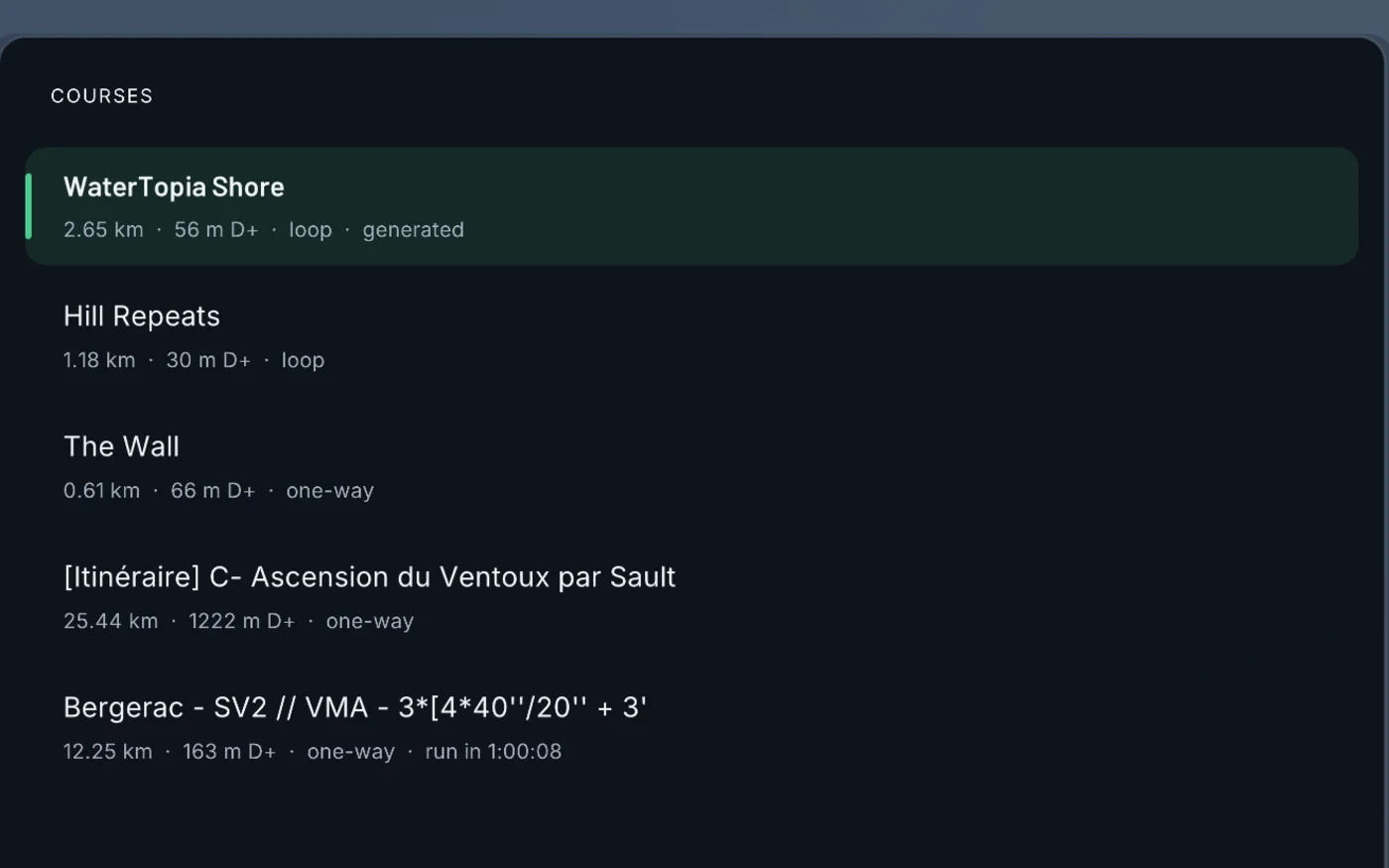
Pick a course
A GPX straight out of Garmin Connect or Strava, a hand-written CSV, or the generated WaterTopia loop. Drop a file on the window and it joins the list.
Browse coursesVirtual world for treadmill running
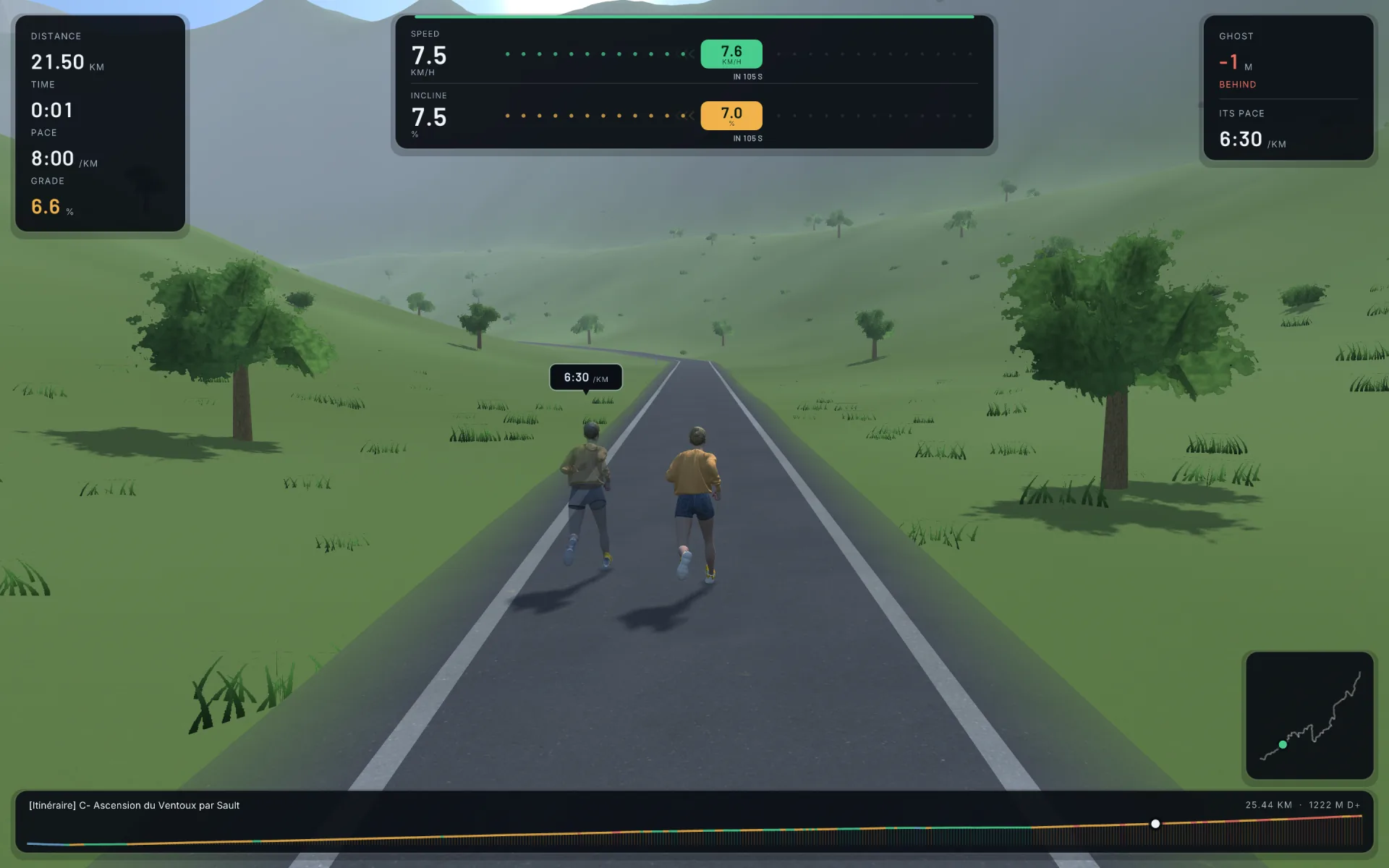
Drop in a GPX from your watch. A banner tells you the speed and incline to dial into your console, so what you are doing matches the terrain your avatar is running — at constant effort, not constant speed.
How it works
Nothing to configure and nothing to sign up for. Your treadmill stays exactly as it is — the only thing that changes is that you now know what to set on it.
A GPX straight out of Garmin Connect or Strava, a hand-written CSV, or the generated WaterTopia loop. Drop a file on the window and it joins the list.
Browse courses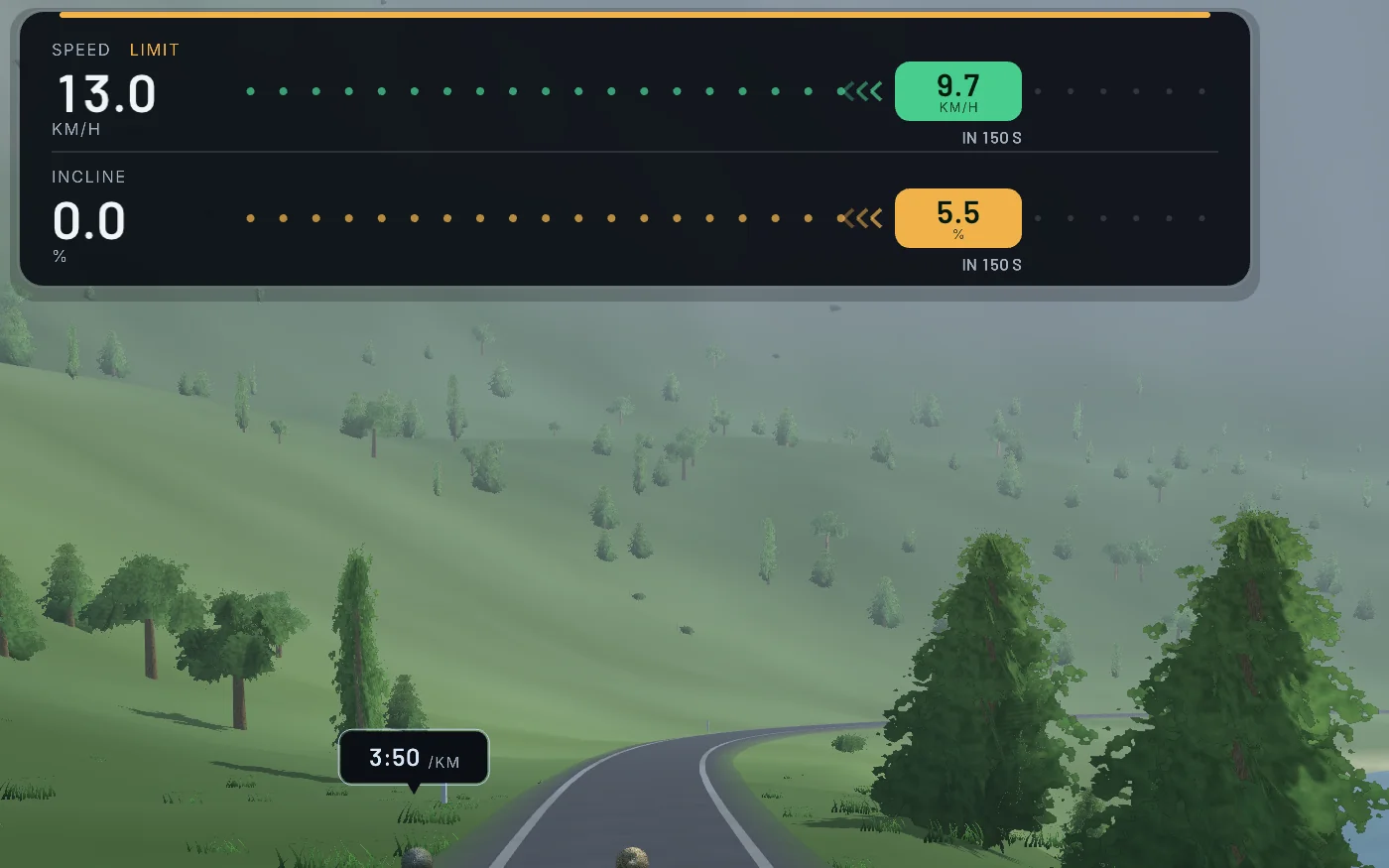
The banner names one speed and one incline, handed to you about eight seconds before the stretch it belongs to — long enough to walk a hand to the console.
How pacing works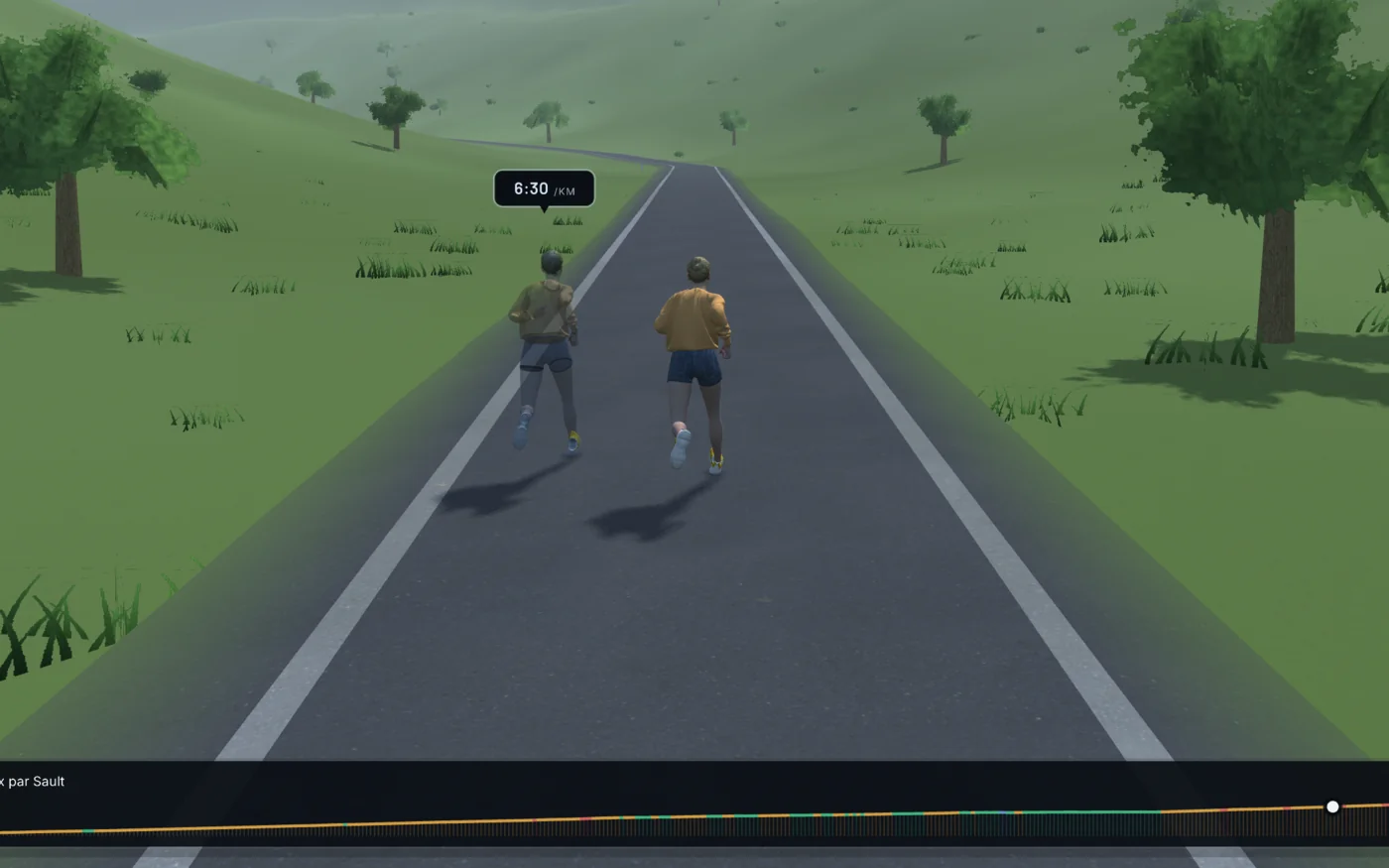
Whatever you actually set, your avatar moves at the speed that effort buys on the real gradient. Set less incline than the hill and you climb it slower.
See the coursesThe coach
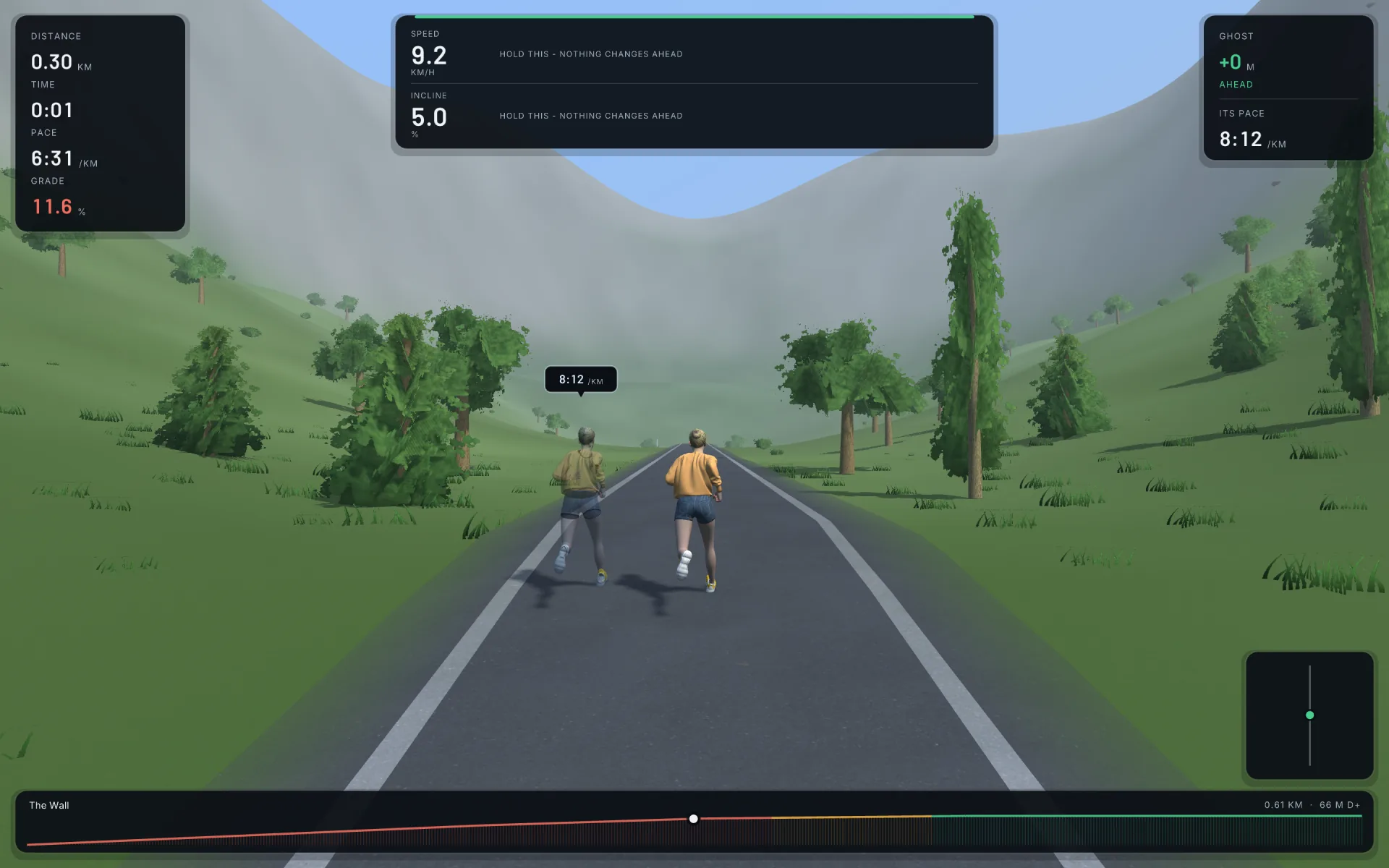
A 22% wall on a 15% treadmill clamps the incline and pays the difference in speed. The banner says so, instead of asking for the impossible.
Energy cost per metre as a function of gradient comes from Minetti et al. 2002. On a 6% climb the coach sets 6% incline and the belt speed that costs the same energy per second.
A console is four button presses away from your hand, so the course is cut into stretches of a few hundred metres. A 12 km activity comes out as 33 instructions, not one every eight seconds.
Past roughly −10% the limit stops being aerobic and becomes how hard the legs can brake, so the speed a descent buys you is capped. The effort maths is untouched.
Real courses
GPS fixes bunch up wherever you slowed down, barometers drift, and a track that doubles back records the same road at two different heights. All of it is cleaned at import.
Even 5 m spacing, a 20 m elevation average, and grade taken along the road rather than as horizontal displacement — otherwise a turnaround reads as a 45% wall on flat ground.
An out-and-back is one road run twice. A stretch that comes back over ground it has covered is pulled onto the line it ran first, and the duplicate ribbon is never painted.
The road is carved into the ground so you never float above it, a closed loop floods into a lake, and forest, rock and snow land where the terrain puts them. No two imports look alike.
Courses
Bring the roads you already know. The four below are real routes — and the lines you are looking at are their actual elevation, metre for metre.
Ascension par Sault
VMA — 3×[4×40″/20″] + 3′
Hand-written CSV loop
A 22% ramp, on purpose
Drop a .gpx or .csv on the window and it is in the list.
The pacer
A translucent pacer runs in the lane beside you. Set it to hold an effort, hold a speed — or load a run you already did and try to take it back.
The pacer slows on the climbs and flies on the descents, the way a human pacer would.
A metronome, for the days when that is exactly what you want chasing you.
Your watch stamped a time on every point. The ghost replays that outing second for second.
Your records
Not split times. A rolling window — wherever in the run it started — which is what a personal best actually is. Six of them, from 400 m to the marathon.
They are banked the moment a run ends and when you close the window, so a long run you abandoned half way still keeps the kilometres it ran. Your bests show on the course list and on the finish card, which tells you which ones the run just beat.